Choose a library
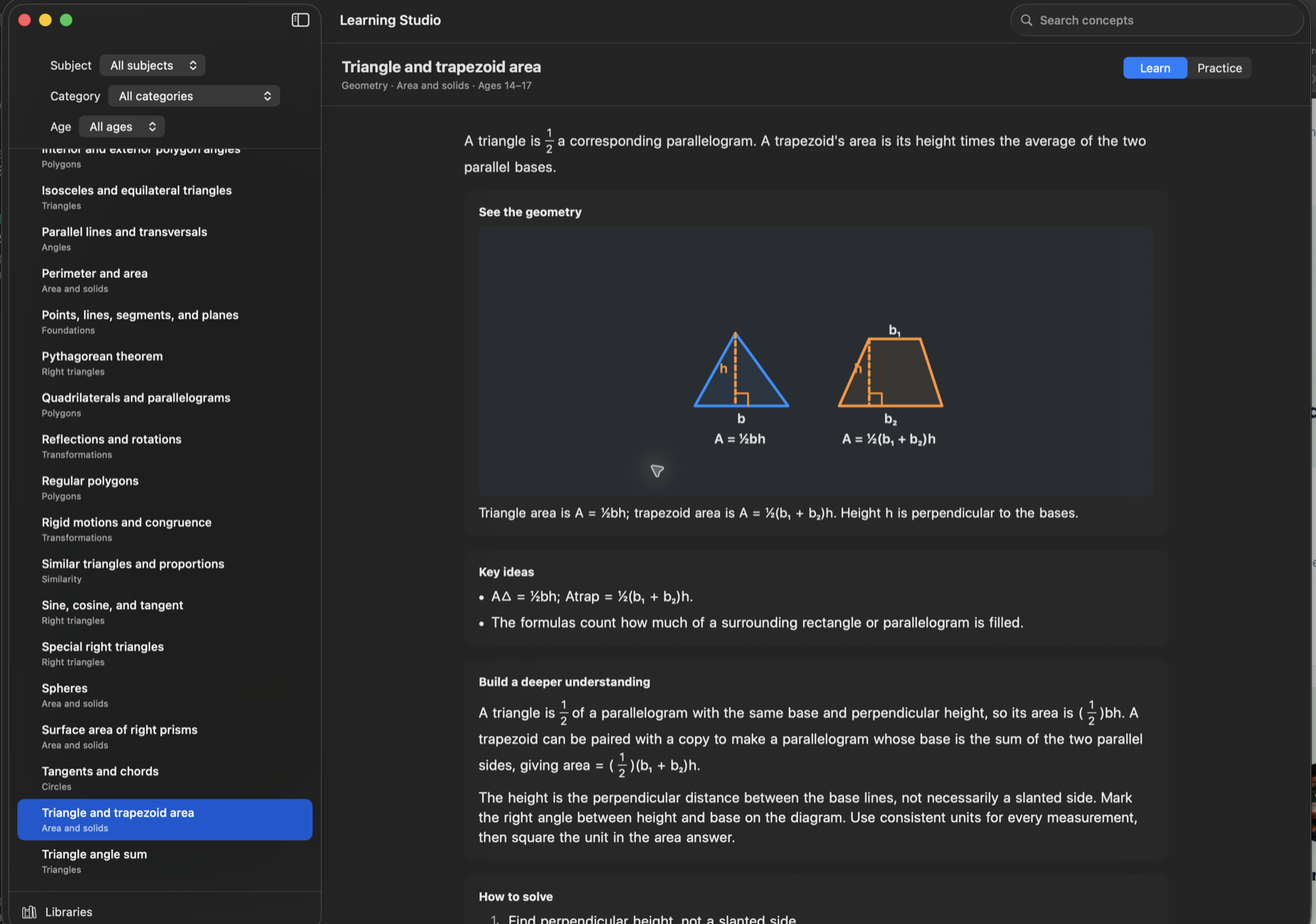
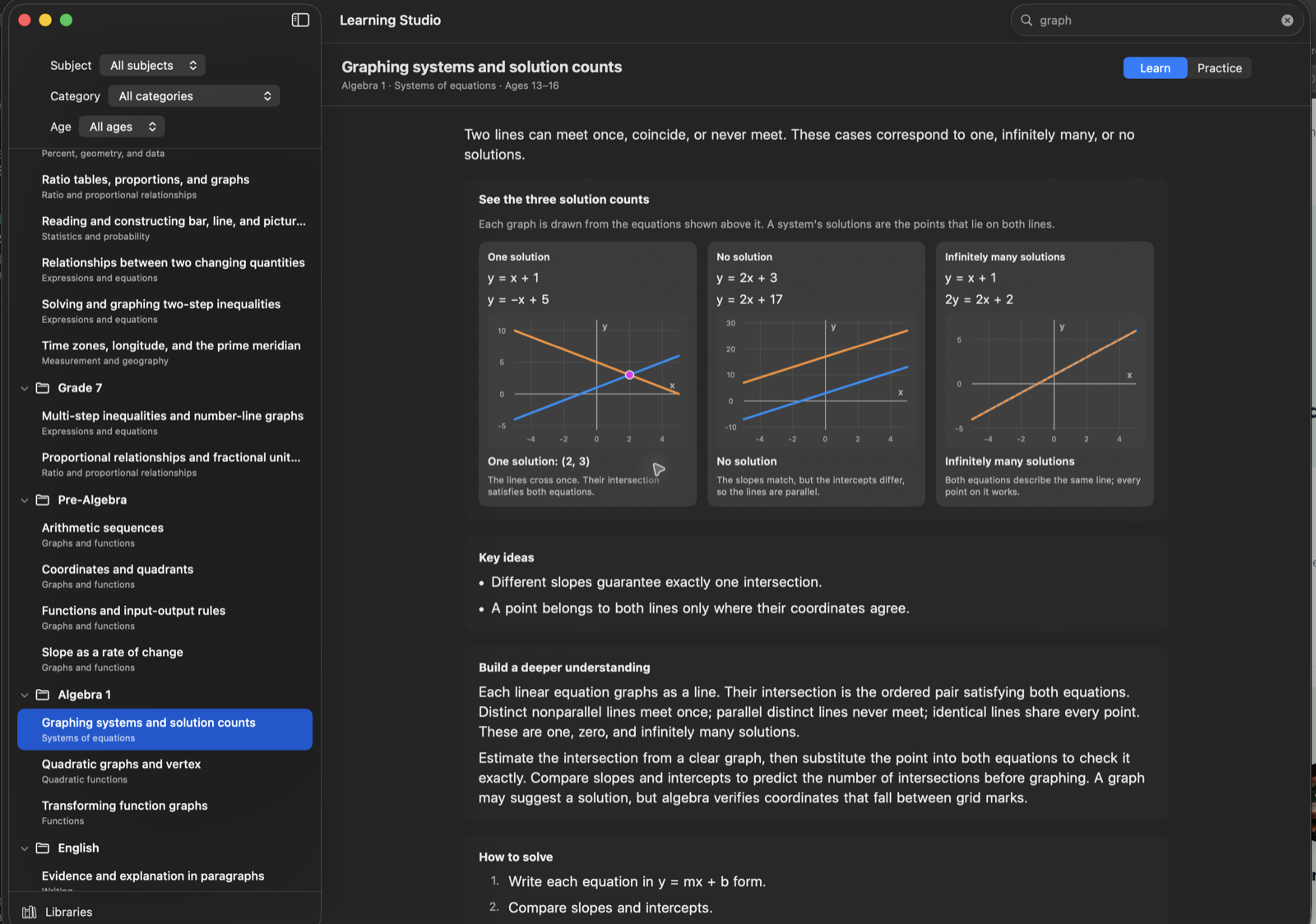
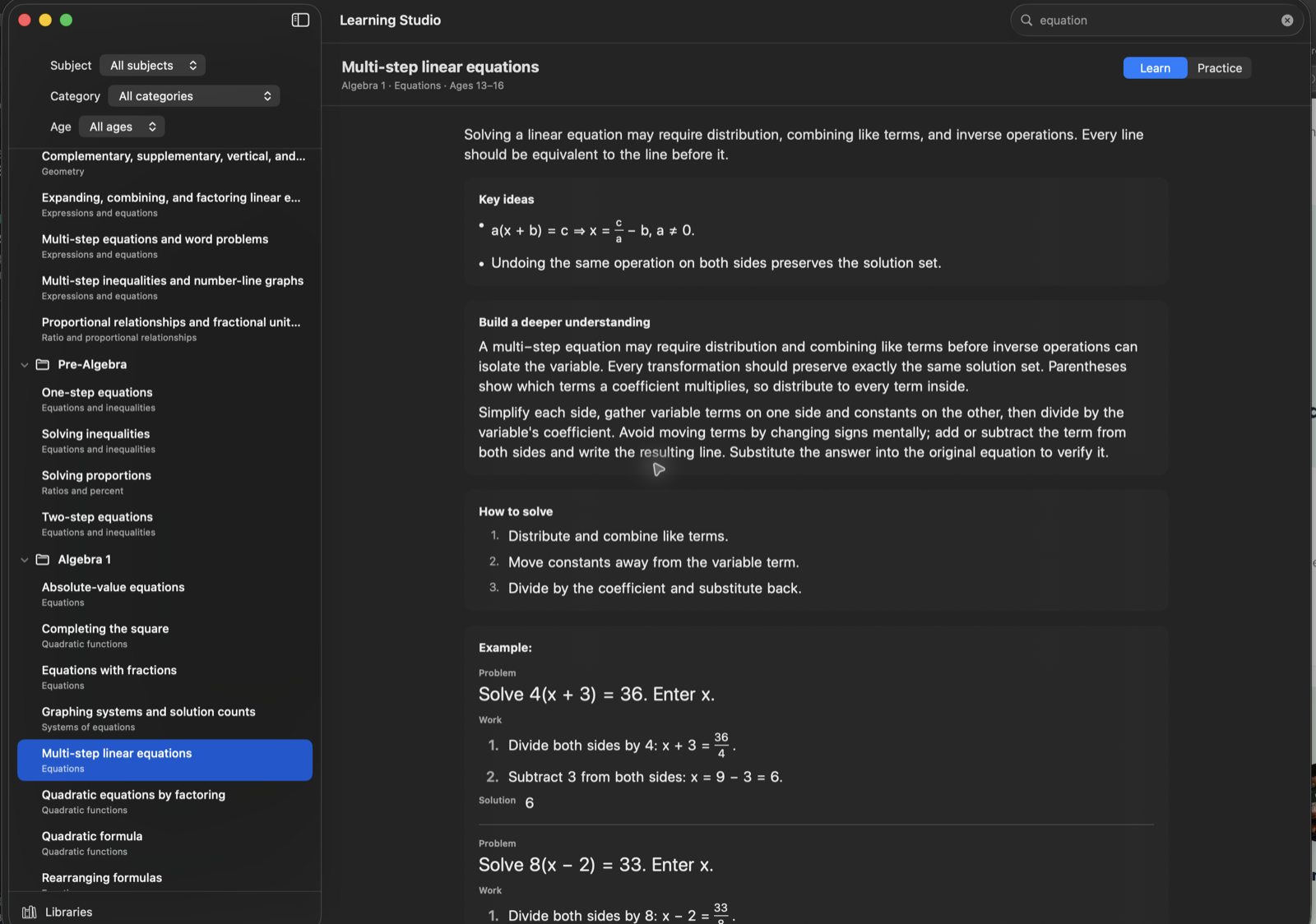
Browse Pre-Algebra, Algebra 1, Geometry, English, and grade-level libraries from one sidebar.
FOR LEARNING · Mac · iPad
Lessons that show their work.
Native Mac and iPad app. macOS 14+ and iPadOS 17+; contact us for current release availability.

Work through a growing collection of lessons on Mac and iPad. Students can read the explanation, study the diagram or graph, follow the worked steps, and try the idea themselves. Teachers can use the same libraries as a ready reference when preparing or explaining a lesson.
Browse Pre-Algebra, Algebra 1, Geometry, English, and grade-level libraries from one sidebar.
Study labeled geometry diagrams, graphing models, fraction notation, and other visuals alongside the lesson.
Read a worked example, see common mistakes, and understand why each step is valid.
Switch from Learn to Practice with varied problem families and feedback that keeps the reasoning in view.
Inside the library